

1. Write a Headline That Communicates Value, Not Status
Avoid generic placeholders like “Coming Soon” or “We’re Working on Something.” These communicate nothing. Your headline should immediately answer the visitor’s question: “Why should I care?” Lead with the transformation or result your business delivers:
- ❌ “Our Website is Under Construction”
- ✅ “The Easiest Way to [Solve Problem] is Coming — Be First in Line”
- ✅ “We’re Building Something That Will Change How [Industry] Works”
2. Make Email Capture Your Primary Conversion Goal
Your coming soon page has one job: collect email addresses. Every design decision should support that goal. Best practices:
- Ask for email only — every additional field drops your conversion rate by 20–25%
- Placeholder text should reinforce the benefit: “Enter your email for early access”
- CTA button copy matters: “Notify Me” is weak. “Get Early Access” or “Join the Waitlist” converts significantly better
- Confirm submission with a clear thank-you message and set expectations (“We’ll email you the moment we launch”)

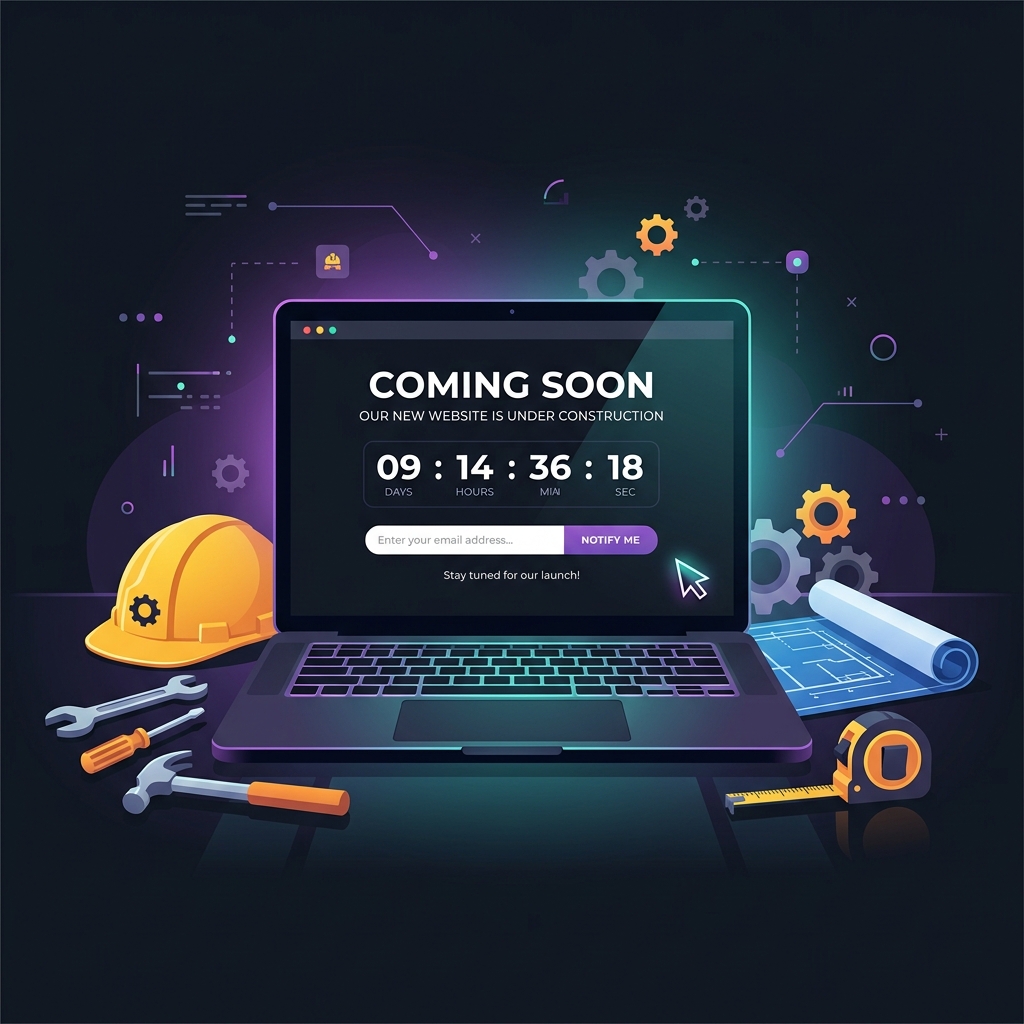
3. Add a Countdown Timer If You Have a Firm Launch Date
A countdown timer creates urgency and keeps visitors anchored to your launch event. Only include it if you’re confident in your date — updating or removing a countdown mid-campaign erodes credibility. If your date is uncertain, use a progress bar instead (Tip #9).
4. Offer a Compelling Early-Access Incentive
Give people a reason to sign up beyond just being “notified.” Early-access incentives dramatically increase email capture rates — often by 2–4x:
- Exclusive launch-day discount (15–25% off)
- First-access before general public opens
- A valuable lead magnet relevant to your audience
- Waitlist position number (“You’re #127 in line”) — gamification that increases social sharing
5. Establish Your Brand Identity Immediately
Your coming soon page is many visitors’ first impression of your brand. Use your logo, brand colors, typography, and visual language consistently — even if the full site isn’t ready. A generic, template-looking coming soon page communicates low production value before you’ve even launched.
6. Include Social Media Links with Clear Calls to Action
Don’t just add social icons — tell people why to follow you: “Follow us on Instagram for behind-the-scenes build updates” or “Join our Facebook community for exclusive pre-launch content.” Visitors who don’t convert on email may follow on social — maintain that relationship.

7. Design Mobile-First — Always
In 2026, over 70% of web traffic arrives on mobile devices. Your coming soon page must load in under 2 seconds on a mobile connection, display correctly on screens from 320px to 414px wide, and have a tap-friendly email form with a clearly visible CTA button. Test on real devices, not just browser dev tools.
8. Include Social Proof or a Teaser of What’s Coming
Social proof reduces the skepticism visitors feel about signing up for something that doesn’t exist yet. Options:
- A brief founder/team bio with real photos — people trust people
- Client or partner logos if you have pre-launch business relationships
- A brief teaser of your product, service, or content — enough to intrigue without giving everything away
- A short video (60–90 seconds) from the founder explaining what’s coming and why
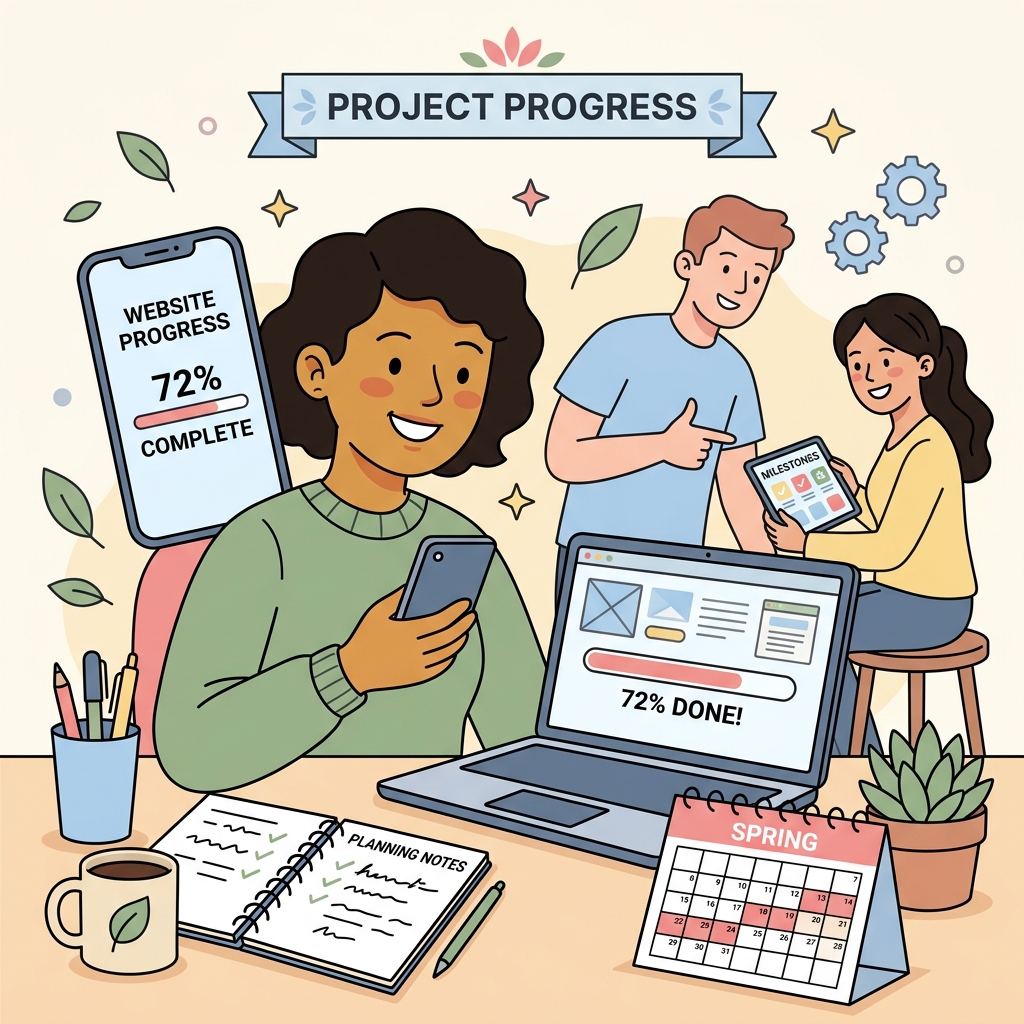
9. Show a Progress Bar Instead of a Countdown (If Your Date is Flexible)
A visual progress bar (“72% complete”) communicates momentum without committing to a specific date. Update it weekly to give subscribers and repeat visitors a sense that you’re actively building — and give them a reason to check back.
10. Include Your Contact Information
A phone number, email address, or social DM link on your coming soon page serves two purposes: it builds trust (real businesses have real contact info) and it captures leads who don’t want to wait — they want to talk to you now. Don’t make potential customers search for how to reach you.
11. Implement SEO Basics — Even Before Launch
Allow Google to index your coming soon page. Optimize your title tag with your primary keyword, write a compelling meta description, and submit your URL to Google Search Console immediately. Every day Google has your page indexed, you’re building crawl history. When you launch the full site, you’ll benefit from this established indexing momentum.
12. Create a Share Incentive
Turn every subscriber into a potential referral source. After sign-up, show a shareable page that says: “You’re on the list! Share with a friend and move up the waitlist” (if using a waitlist model) or “Share and both of you get an extra [benefit] at launch.” Viral loops built into your pre-launch phase can dramatically expand your launch-day email list at zero additional cost.
13. Set Up Analytics and Tracking Immediately
Install Google Analytics 4 (GA4) and Google Tag Manager on your coming soon page from day one. This gives you:
- Traffic data and source attribution from day one
- Email capture conversion rate data to optimize the form
- Audience data for building remarketing lists you can use when you launch
- Historical data in GA4 — you can’t recover it retroactively after launch
14. Use a High-Quality Background Visual or Video
A dark, atmospheric background with subtle animation (particles, gradients, or a blurred product teaser) creates a dramatically higher-quality first impression than a flat white or solid-color background. If you can afford a 10–15 second looping background video that hints at your product or service, it significantly increases time-on-page and email conversion rates. Ensure it doesn’t slow your page load below a 90+ PageSpeed score.
15. Test Every Element Before You Make It Live
Before directing any traffic to your coming soon page, manually test:
- Email capture form: submit a test email and verify it arrives in your ESP (Mailchimp, Klaviyo, etc.)
- All social media links open to the correct profiles
- Countdown timer displays the correct date and timezone
- Mobile rendering on iOS Safari and Android Chrome
- Page load speed (aim for under 2 seconds on 4G)
- HTTPS / SSL certificate is active and no mixed content errors exist
SpringHive designs premium launch pages that capture leads and build pre-launch buzz while your main site is in development. Contact us to get started — we can typically deliver a custom coming soon page within 3–5 business days.